
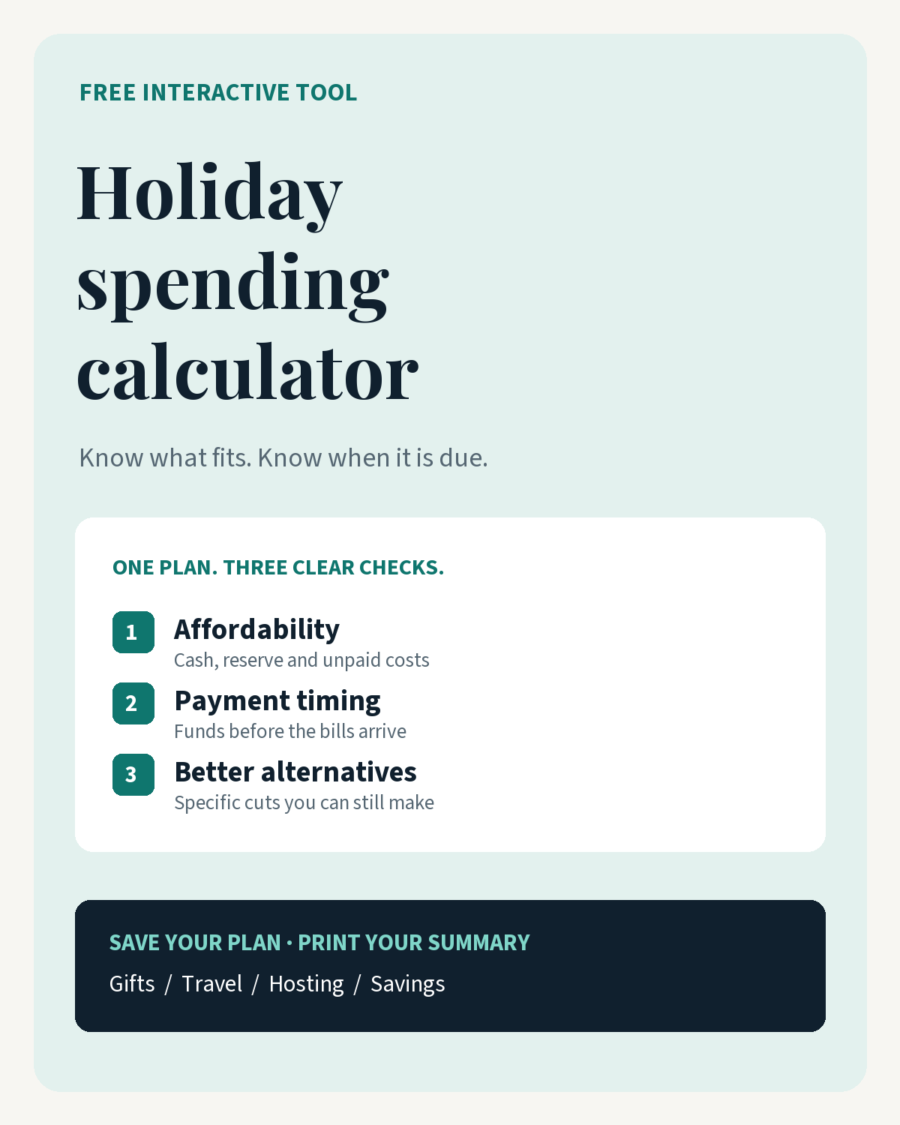
Holiday Spending Calculator
An itemized plan, savings schedule and cash-flow check for gifts, travel and hosting.
Interactive browser tool • Saved plans • Printable summary • Offline copy
Build an itemized holiday plan, check payment dates and unpaid balances, compare cheaper alternatives, and save a plan you can revisit. Use the tool online without an email.
About this resource
Make the numbers work
before the season starts.
Build one itemized holiday plan. See what is affordable, what is already locked in, and whether your cash arrives before your bills do.
A season can fit your total budget and still leave you short on a payment date. This tool checks both.
No account needed · Works in your browserYour entries stay in this calculator’s browser session. It does not send them to Growth Reader or save them automatically. “Save my plan” downloads a private file you can reopen here. Use initials rather than full names.
Is the money there when you need it?
| Date | In | Due | Remaining |
|---|
Funds arriving on a payment date are assumed available before that day’s payments. Move a transfer later if that is not true. This is a planning estimate; banking delays and fees are not modeled.
Your savings schedule
Where the money goes
Compare three versions of your season
A positive final balance does not guarantee cash will cover earlier due dates. Each scenario is checked for timing too.
Your next decisions
Calculation rules and limits
Full-season forecast = net purchased costs + estimates for committed and planned items. Future payments = forecast minus purchased amounts already paid. Funding left to spend = current holiday cash − protected reserve + scheduled transfers + extra incoming funds. Final headroom = funding left to spend − future payments.
Already-paid amounts are displayed for context and are not subtracted from current cash again. Estimates for purchased items are used only for the estimate-versus-actual comparison. Unpaid card or installment balances count toward future payments, not toward available funds.
The minimum recurring transfer covers the final forecast and reserve after current cash and extra funds; it ignores your entered recurring amount so you can compare the required amount with your plan. It does not resolve an earlier cash shortage. Amounts are calculated in integer minor units; reduced item costs and savings transfers round up or to the nearest minor unit as indicated.
This tool uses your inputs, not financial predictions. It does not calculate taxes, currency conversion or household affordability. Update net costs for refunds, cancellations and fees. This is an educational planning tool.
Turn the numbers into a routine
The Holiday Spending Plan
Understand the method and set the season’s boundaries.
The Holiday Spending Planner
Work through gifts, travel and hosting choices on paper.
The Holiday Spending Tracker
Keep receipts, commitments and unpaid balances up to date.
This free tool complements the three Holiday Spending products. Product links will appear in the site’s recommendations when those products are published.
Need a step-by-step walkthrough?
Learn how to enter purchases, read the payment timeline and compare alternatives in our guide to using the Holiday Spending Calculator.